
How to add bundle line item properties to order notes using Shopify Flow
When using Simple Bundles 2.0, you may notice that custom attributes or line item properties from gifting or personalization apps, such as gift notes, messages, or special instructions, do not appear on the final order. This happens because Simple Bundles 2.0 uses Shopify’s Cart Transform API, which breaks bundles into individual component products at checkout and removes the parent bundle from the order.
Since custom attributes are typically attached to the parent bundle, they are not automatically carried over once the bundle is broken down. This guide provides a workaround using Shopify Flow to copy those custom attributes into the order notes, ensuring all important customer details remain visible and accessible for your fulfillment team.
Popular gifting apps
Customily Product Personalizer
Mini: Custom Fields Personalize
Teeinblue Product Personalizer
What this Flow does and how it works
Each time a new order is created, this Shopify Flow checks whether the order contains bundle items created with Simple Bundles 2.0. If a parent bundle includes custom cart attributes, such as a gift note or special instructions, the Flow collects those values. The attributes are grouped by bundle and then appended to the order notes.
If the order already contains an existing note, it is preserved, and the bundle details are added below it.
The result is a clean and easy-to-read summary of bundle-specific instructions directly within the order notes, making fulfillment and review more efficient.
Note: Shopify Flow is available on all Shopify plans. No coding or custom development is required. These workflows and actions are plug-and-play and can be set up quickly using Flow’s built-in actions.
How to create the Flow
- On your Shopify Admin, go to Apps and select Flow.
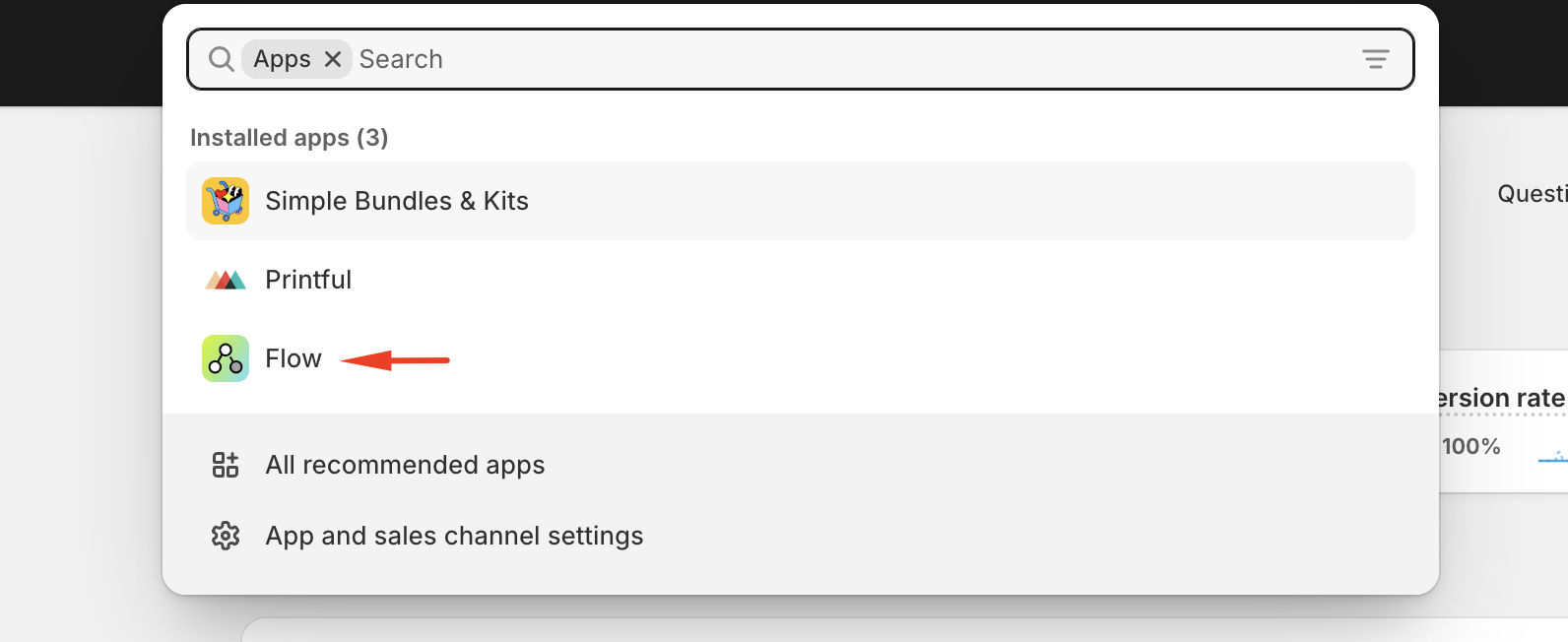
- From the Flow dashboard, click Browse templates and look for "Add bundle line item properties to order notes."


- Open the template and click on Install

- Once installed, open the template. You’ll see that it is triggered when an order is created.

- Make sure the template status is set to Enabled.

What you will see in the order notes
In the order notes, you will see the following:
- Any existing order note, which remains unchanged
- A new section labeled Bundle Breakdown or a similar heading
- Each bundle listed once, along with its quantity
- All custom cart attributes are clearly listed under the corresponding bundle

This allows fulfillment, support, and packing teams to work more efficiently by referencing all bundle information in one place.
If you'd prefer not to set up a Shopify Flow, Cart Transform now supports propagating custom line item attributes directly from the parent bundle to its component items at checkout. You can configure up to 3 custom attribute names (e.g. gift notes, special instructions, or other custom values) in Simple Bundles → Settings → Advanced settings → Cart transform and order editing fallbacks → Propagated line item properties. Once set up, any bundle in the cart carrying a property with one of these names will have that value automatically copied onto every component line item, so the details remain visible on the order without needing a separate Flow.
This can be used alongside or instead of the Shopify Flow method above, depending on your setup. For more details, see: Cart Transform bundle line item properties in orders
Need help?
If you’d like help importing the Flow, adjusting the formatting, or confirming it works with your setup, feel free to reach out to our support team.